How We Automated Gift Card Inventory: From Excel to a System with an API for 1C
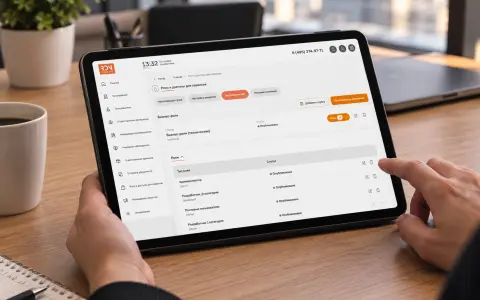
A gift solutions company managed gift cards and promo codes in Excel and processed bonus redemptions manually. We built a Laravel-based system with an admin panel for inventory management, activation, reservations, and reporting, plus an API for 1C integration. The system eliminated manual work, freeing the specialist to focus on higher-priority tasks.
The Problem: Excel and Manual Redemption
The company sells gift solutions, including gift cards and promo codes. However, inventory management and bonus redemption were only partially automated.
Before we stepped in, the process worked like this:
- An inventory specialist maintained Excel files tracking gift card and promo code balances and transactions.
- A customer received a gift card or promo code.
- The customer visited the website and submitted a bonus redemption request.
- A manager manually checked whether the card was active, whether it had expired, and its face value.
- The manager sent the reward to the customer.
In practice, this meant:
- Every redemption required manual processing.
- Excel errors were inevitable: human error, duplicate entries, and lost data.
- There was no single source of truth: balances were stored in one file and transactions in another.
- The accounting team could only obtain data by requesting it manually.
- The process could not scale: more cards meant more repetitive work.
- Daily reward delivery capacity was limited, creating a business bottleneck.
What We Built
We developed a system that completely replaced Excel and manual processing. Here are its core components.
1. Gift Card and Code Inventory
The central component is a database of gift cards and promo codes. For each card, the system tracks:
- Activation status: whether the card has been activated and when.
- Expiration date: how long the card remains valid.
- Face value: the amount the card is worth.
- Card type: linked to the catalogs where it can be redeemed.
Inventory is no longer a spreadsheet—it is a live system with up-to-date information.
2. Inventory Reporting
Instead of manually consolidating data in Excel, the team now has ready-to-use reports covering:
- Activations: how many cards were activated and when.
- Expired cards: cards that expired without being used.
- Available inventory: the number of cards available by type and face value.
- Pre-generated cards: inventory for cards that cannot be issued in real time.
Reports are generated automatically, with no manual data consolidation required.
3. Card Issuance and Reservations
We introduced a card registry that allows the team to:
- Add cards in any quantity, from individual entries to thousands at a time.
- Reserve cards for a specific legal entity, such as a corporate client.
- Block cards from being sold through the main online store if they are reserved or withdrawn from sale.
All card management happens in a convenient admin panel, without Excel.
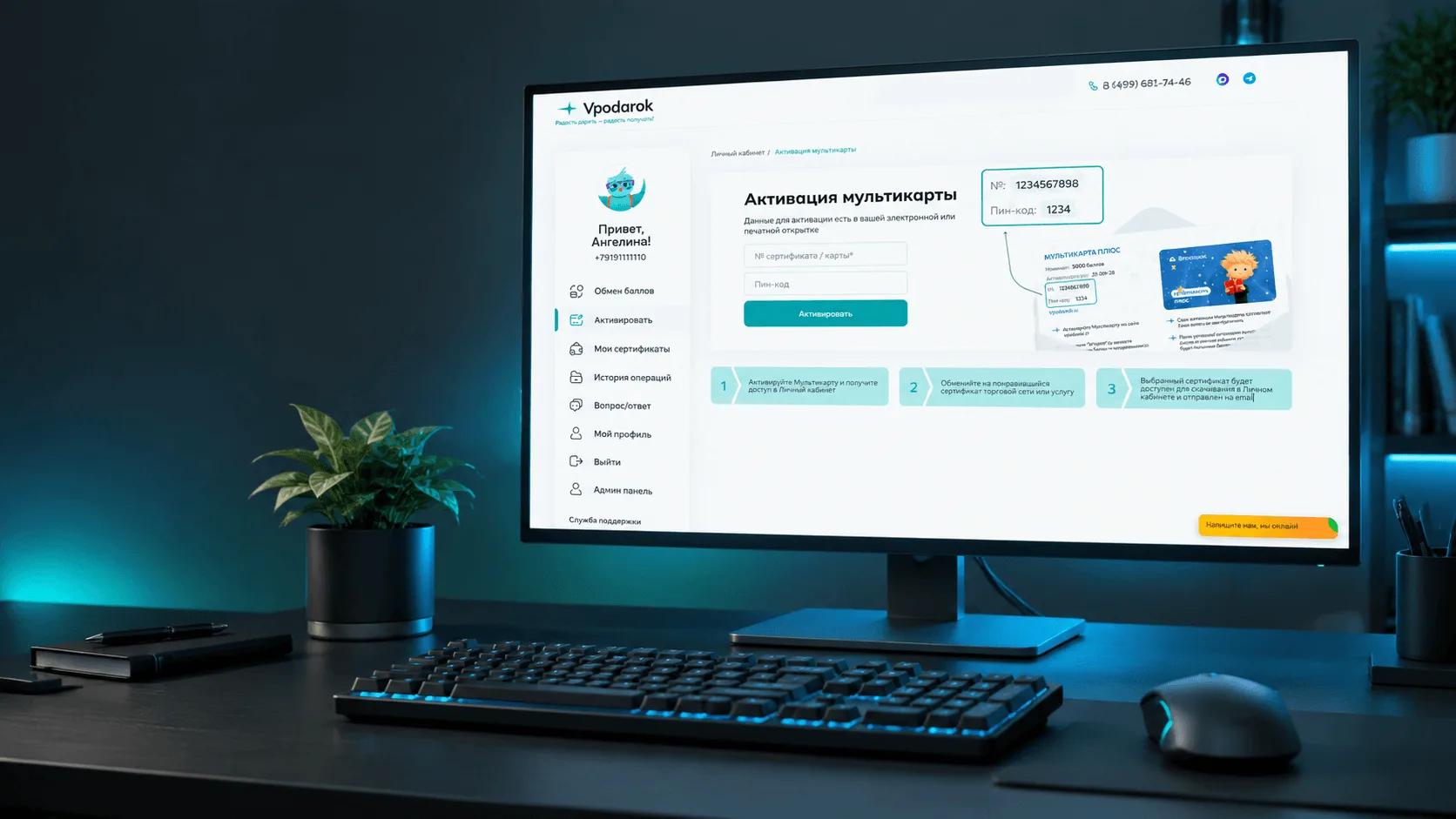
4. Automated Activation and Redemption
This was the key improvement to the customer experience. Customers can now complete the entire process on the online store:
- The customer activates their gift card.
- The card is deactivated to prevent reuse.
- The card’s face value is credited to the customer’s account balance.
- The customer redeems their points for the reward they want.
No manager involvement is needed. The process is fully automated.
5. API for 1C
We developed an API that provides data to 1C for the accounting team. They now work with up-to-date information directly from the system instead of requesting manual exports.
6. User-Friendly Inventory Management
We paid particular attention to the admin panel’s usability. The inventory specialist needs to work quickly and accurately, supported by:
- Clear navigation across cards and card types.
- Fast search and filtering.
- Bulk operations for adding cards, reserving them, and withdrawing them from sale.
- Clear visual status indicators: active, expired, and reserved.
Results: Less Work, More Time
The main outcome was eliminating an entire layer of manual work. A valuable team member who previously spent time checking cards and maintaining Excel files can now focus on higher-priority tasks.
Automation is not about reducing headcount. It is about letting people focus on work that genuinely requires their expertise.
Technology Stack
- Backend: Laravel (PHP)
- Database: MySQL
- Integration: API for 1C
- Frontend: Vue.js, Inertia.js
Conclusion
This case shows how a seemingly simple task—tracking gift cards—actually requires a carefully designed system covering inventory, reporting, reservations, activation, and an API for accounting.
Excel is a good starting point. But as a business grows, manual tracking becomes a bottleneck. We replaced it with an automated system, freeing people’s time for more valuable work.