How we defended our clients: the story of one transition between mailing aggregators
In the process of creating a mailing service, we started with Mailchimp, then switched to DashaMail. When the business asked to switch to an internal aggregator, we conducted an analysis and identified critical limitations: there is no API, there are no status webhooks, it cannot withstand the load. We proposed a compromise — to use the internal aggregator only for infrastructure emails, and leave the client emails on the external one. The service has become multi-aggregator.
Context: The Messaging Service and Its Evolution
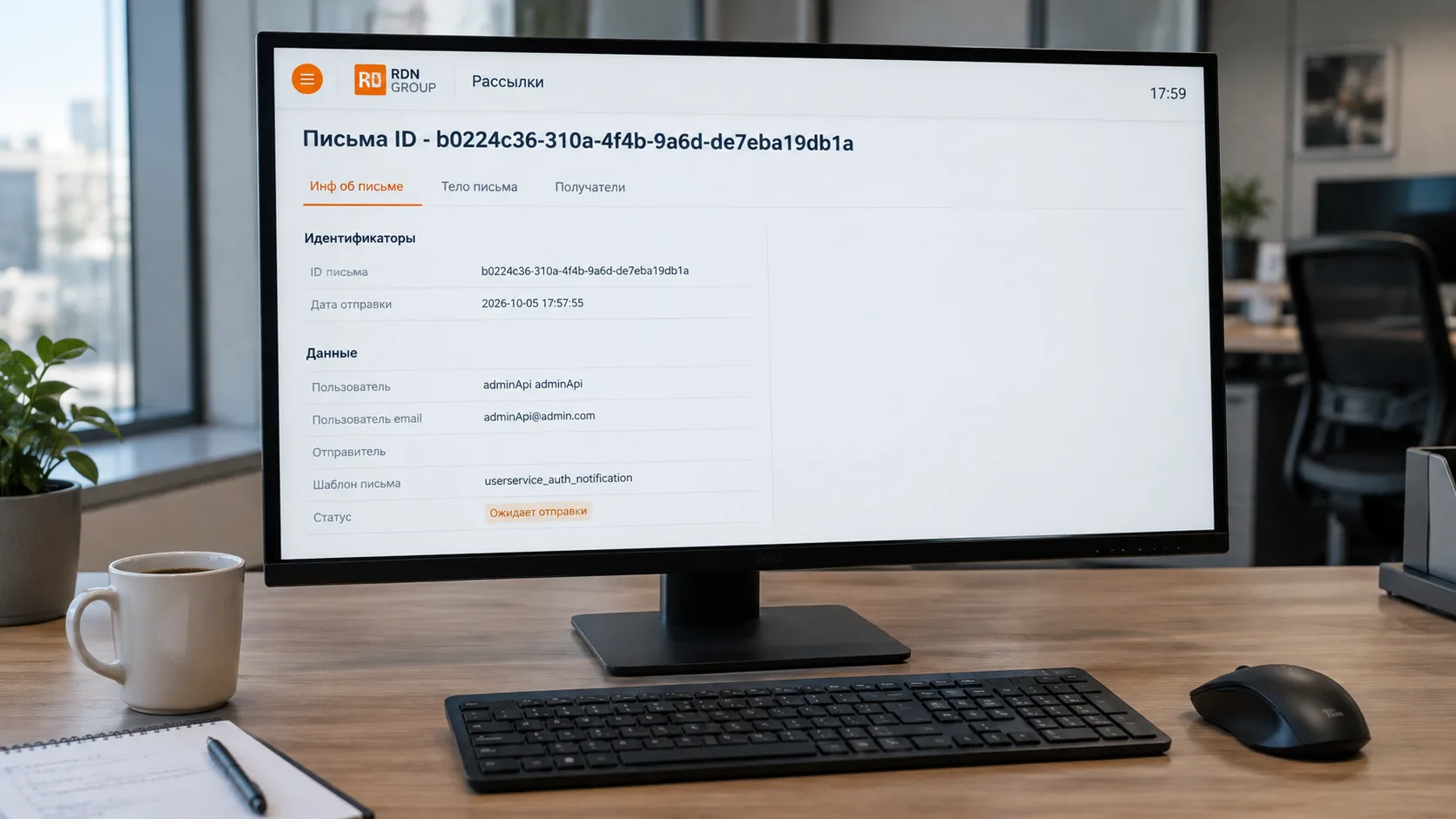
We developed a messaging service for a large project—a single point for sending emails and SMS messages across all internal services. We covered its architecture in detail in our article about building a messaging service with Laravel.
But there is another side to this story: our journey between messaging providers. And it deserves an article of its own.
Stage 1: Mailchimp
Initially, we used Mailchimp to send emails. It was a convenient and reliable solution:
- A straightforward API.
- Webhooks for delivery status updates.
- Template support.
- Clear analytics.
Everything worked. But the geopolitical situation changed, and Mailchimp was expected to become unavailable to users in Russia. We needed to find a replacement quickly.
Stage 2: DashaMail
We integrated DashaMail, a Russia-based provider that met the new requirements.
Importantly, DashaMail preserved the key functionality:
- An API for integration.
- Webhooks for sending status updates.
- Template support with additional parameters.
Our messaging service continued operating without losing functionality. Customers received their emails, the support team could track message statuses, and templates worked as expected.
Meanwhile, another internal team began developing an in-house messaging provider.
Stage 3: A Business Request to Switch to the In-House Provider
Once the in-house provider was ready, the business asked us to migrate the messaging service from DashaMail to the internal solution.
The business rationale was clear: using an in-house provider would reduce spending on external subscriptions. We began evaluating the proposed migration.
Our Analysis: What We Found
We examined the in-house provider in detail and compared it with our existing solution. The findings were concerning.
Problem 1: No API
The in-house provider supported SMTP only, with no API.
In practice, this meant:
- We would have to reduce some of the messaging service’s functionality, including support for different senders, different reply-to addresses, email priorities, and CC recipients.
- We could no longer manage sending flexibly through an API.
- We would lose fine-grained configuration for different message types.
Problem 2: No Webhooks—and Therefore No Status Updates
The in-house provider did not report sending statuses through webhooks.
This meant:
- The support team could not determine whether an email had been sent.
- If a customer reported that an email had not arrived, we could not verify what had happened.
- The visibility we had built into the messaging service would disappear.
Problem 3: No Support for Templates with Additional Parameters
Our messaging service used templates with additional parameters passed through message headers. This allowed us to personalize emails and include operational metadata.
The in-house provider did not support passing those parameters. We would have to rework the templates and lose functionality in the process.
Problem 4: It Could Not Handle the Load
This was the most critical issue. We took our current sending volume and tested it against the in-house provider in a test environment.
The result: the provider could not handle the load.
This was not a theoretical concern—it was a verified finding. Migrating customer-facing messaging to the in-house provider would have negatively affected the business’s customers:
- Emails would have been delivered slowly.
- Some emails might not have arrived at all.
- The support team would have been unable to investigate incidents effectively.
Our Response: A Report and a Compromise
We did not simply say “no.” We prepared a detailed report and presented it to the business. It included:
- A functionality comparison between DashaMail and the in-house provider.
- Load test results.
- An assessment of the risks to customers.
- A proposed compromise.
The Proposal
Instead of moving all messaging to the in-house provider, we proposed using it only for specific purposes:
- Infrastructure messages: emails to developers, technical notifications, and internal alerts.
- Customer-facing messages: keep these on DashaMail or, in the future, another external provider capable of handling the load and providing status updates.
This approach allowed us to:
- Reduce costs by routing some traffic through the internal solution. During DDoS attacks and periods of heavy load, this could account for a substantial volume of messages.
- Avoid putting customers at risk by keeping critical messages with a proven provider.
- Preserve functionality, including status updates, templates, and webhooks.
The Outcome: A Multi-Provider Messaging Service
Following the analysis and discussions with the business, the messaging service adopted a multi-provider model.
Here is how it now works:
- The service supports multiple providers simultaneously.
- An appropriate API-based sender can be selected for each message type.
- Each template can be configured to use its own sending channel.
This gave us flexibility that would not have been possible with a rigid dependency on a single provider.
What We Learned
1. Analysis Before Implementation Is Essential
If we had simply followed the business request and migrated everything to the in-house provider, we would have ended up with:
- Unhappy customers.
- An overwhelmed support team.
- A loss of trust in the service.
Analysis and load testing prevented a disaster.
2. “No” Is Not the Answer—a Compromise Is
We did not reject the task. We proposed a solution that met both business and customer needs: partial cost savings without compromising service quality.
3. Sometimes an In-House Solution Is Not Ready for Production
Having an in-house provider is a good thing. But if it cannot handle the load or provide the required functionality, it should not be used for critical messaging.
That does not make it a bad solution—it simply means it is not ready for that particular use case.
4. Multiple Providers Mean Greater Flexibility
Depending on a single provider is a risk. If it goes down or changes its terms, the business suffers. Multiple providers offer redundancy and flexibility.
Conclusion
This story shows why technical decisions cannot be based on cost savings alone. Sometimes, saving money on a messaging provider comes at the expense of customers.
We protected the business’s customers by proposing a compromise. In the end, we built a service that was more flexible and reliable than it had been before the migration request.